Ai innovation
Cursor 101: The AI Maturity Curve and Getting Started with Agents
What Cursor's field team teaches about moving from Tab completion to async cloud agents — and the platform pieces that help you climb the curve.
Cursor 101: The AI Maturity Curve and Getting Started with Agents
What Cursor's field team teaches about moving from Tab completion to async cloud agents — and the platform pieces that help you climb the curve.
Most teams still treat AI coding tools as a faster autocomplete. Cursor's own field engineers frame the opportunity differently: where you sit on the AI maturity curve determines whether you get 10–20% speedups or step-change leverage from agents that work while you sleep.
This article distills a Cursor 101 workshop led by Jordan (Senior Field Engineer, Cursor) with Raghav (AI Deployment, New York) — the opening session covering the maturity framework, the full Cursor platform map, and a live walkthrough of the agent window, Ask mode, sub-agents, and model routing.
If you are onboarding engineers to Cursor or deciding how to invest in agentic workflows for your org, start here.
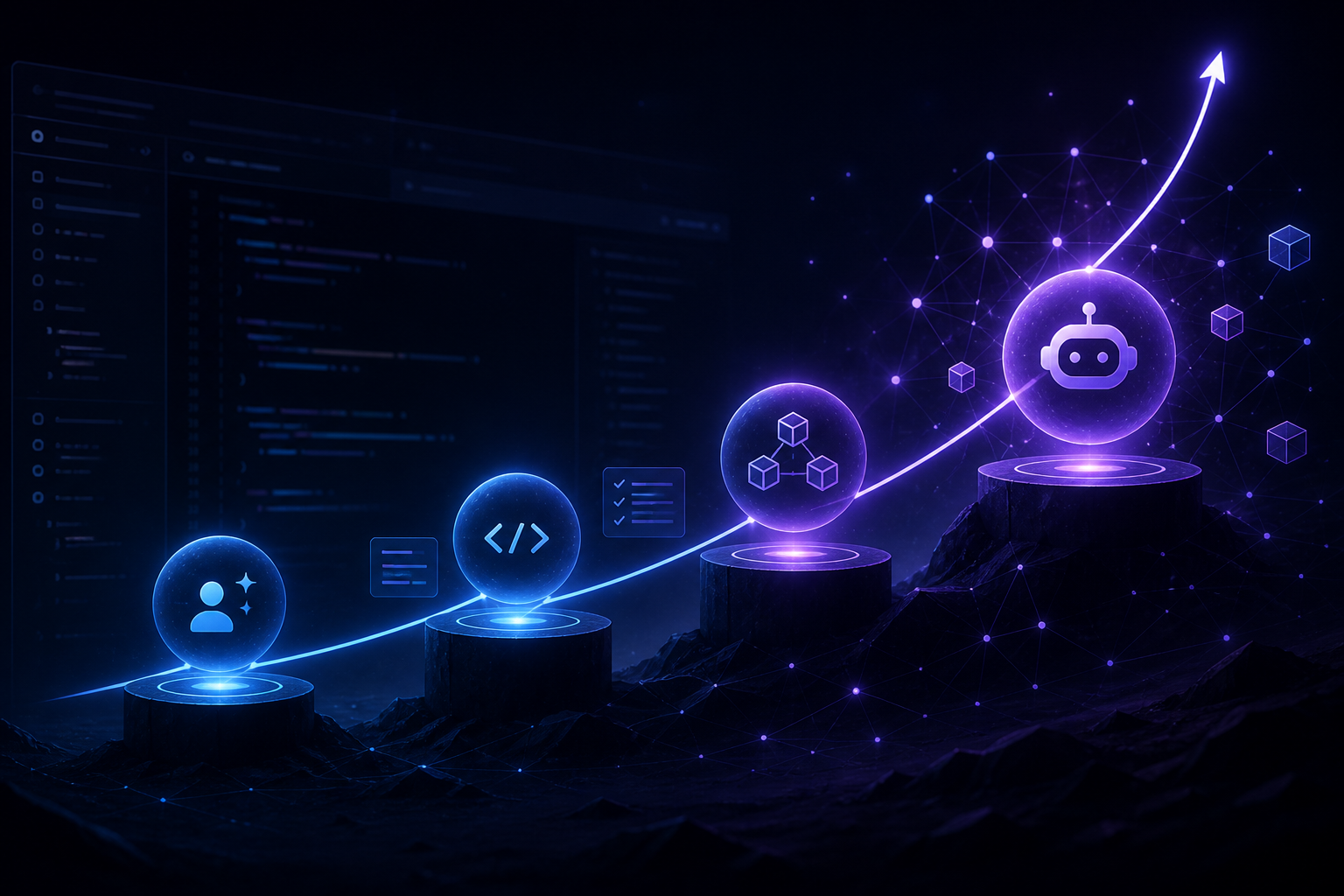
The AI maturity curve (four stages)
Cursor uses a four-stage model to describe how developers and organizations adopt AI in software delivery. You do not skip stages — but you can accelerate through them with the right platform primitives.
1. AI-assisted
You write code in an IDE; AI helps you write it faster.
- Tab completion, inline suggestions, accepting small edits
- This is where Cursor started: a VS Code fork with a best-in-class Tab product
- Real productivity gains, but you are still the bottleneck on every keystroke
2. AI-augmented
You work one-on-one with an agent synchronously.
- You describe intent; the agent runs tool calls, loops, and writes code with you
- Practitioners report roughly 3–4x gains in this mode
- Limit: human bandwidth — you can only juggle a few agents at once, and local agents stop when you close the laptop
3. Async agents
You assign complete pieces of work; agents run autonomously and return artifacts.
What makes this possible:
- Agents get their own dev environment (computer use, MCP tools, a copy of the repo)
- They can run, verify, and iterate end-to-end
- You review outputs: demos, PRs, reports — not every intermediate step
Internally at Cursor, teams spin up swarms of sub-agents in the cloud to explore a problem, hypothesize, converge, and hand back a reviewable artifact. Async agents can also trigger on events: PR opened, bug ticket filed, schedule.
4. Agentic SDLC (the "AI factory")
Every phase of the software lifecycle — planning, implementation, code review, testing, QA, security scanning, deployment — is orchestrated by agents.
Your role shifts from writing code to managing a system of agents: directing work, improving harness quality, and reviewing output.
Proof point from Cursor: roughly 60% of PRs merged in the prior month at Cursor were created by cloud agents — not a future roadmap item; this is how they operate today.
Most organizations sit between AI-augmented and async agents. That is normal. The Cursor 101 session is designed to show the platform pieces that help you move up.
The Cursor platform map
Cursor is no longer "just an IDE." The platform spans:
| Surface | Role |
|---|---|
| Cursor Agent window | Spin up agents, run locally or in cloud, view chat history |
| Cursor-managed agents | Bugbot, security agent, approval agent — accelerate code review |
| Cursor Mobile | Review PRs, kick off agents on the go |
| Cursor SDK & CLI | Programmatic and terminal access to agent workflows |
| Cursor IDE | The editor many teams started with |
| xAI API / Grok | Model access via the xAI stack (Cursor is part of xAI) |
Learning resources worth bookmarking:
- Cursor Docs
- Recorded workshops (this session and prior Cursor 101 / 201 tracks)
- Cursor Learn — fundamentals of Cursor and agentic software development
Four things that differentiate Cursor
1. Model neutral
Choose the right model for the job instead of token-maxing one frontier model for everything. Mix intelligence and cost deliberately — especially as token economics matter more at team scale.
2. The Cursor harness
Cursor began as a harness lab: tool calling, system prompts, context management, tuned per model. On external benchmarks (e.g. Artificial Analysis), the same underlying model often scores higher through Cursor's harness than through other providers — the wrapper matters.
3. Auto router (Cursor Router)
If you do not want to track which model wins this week for architecture vs. refactors vs. exploration, Auto picks for you:
- Balance — default; intelligence and cost balanced
- Intelligence — reaches for frontier models on harder tasks
- Cost — optimizes token spend per task
Practical default: Auto Balance for most work; switch to Intelligence for complex design or multi-file refactors.
4. Cloud agents
Async workflows: isolated environments, external triggers, artifacts back for human review. This is the infrastructure for climbing from augmented → async → agentic SDLC.
Agentic SDLC: where Cursor accelerates each phase
Cursor positions agents across the full lifecycle — not only "write my function":
- Plan — Ask mode exploration, architecture summaries, scoped tasks
- Build — Agent mode with tools, terminal, browser, canvases
- Review — Bugbot, security scanning, approval flows
- Test & QA — Agent-driven verification in repo context
- Deploy — Cloud agents and automations tied to repo events
The maturity curve is really a question of how many of these phases you delegate vs. do synchronously yourself.
Demo walkthrough: Agent window and first primitives
The live demo used the Grafana open-source repo — millions of lines, realistic production shape — to show patterns that transfer to any large codebase.
Agent window orientation
- Prompt entry, model selector, local vs. cloud run target
- Repo picker, past agent chats
- File browser, integrated terminal, browser, and shared canvases (for analytical artifacts)
Start with Ask mode
Before editing anything, switch to Ask mode (read-only):
"Give me an overview of this repo."
Ask mode is the right first move when:
- Onboarding to a new codebase
- Tracing request flows or architecture
- Answering "how does X work?" without risk of stray edits
The agent explores structure, languages, main flows — no writes.
Sub-agents: parallel exploration, separate context
During the repo overview, Cursor spun up two sub-agents to explore in parallel.
Sub-agents are independent workers:
- Own context window and prompt
- Can use a different model than the parent agent
In the demo: parent on GPT-5.6 (orchestration); sub-agents on Composer 2.5 Fast for codebase exploration — expensive model for planning, fast/cheap models for breadth-first search.
That is model neutrality in practice: orchestrator + specialists, not one model for every tool call.
Model selection cheat sheet
| Mode | When to use |
|---|---|
| Auto → Balance | Daily driver |
| Auto → Intelligence | Hard refactors, system design, ambiguous bugs |
| Auto → Cost | High-volume or budget-constrained tasks |
| Manual pick | You know the task (e.g. Opus for architecture, a fast model for grep-heavy exploration) |
The "frontier" moves week to week — GPT vs. Claude vs. Grok preferences vary by engineer. Auto Router exists so you do not have to maintain a personal routing spreadsheet.
Operator takeaways
If you are a team lead:
- Assess your curve position — Tab-only teams are leaving 3–4x on the table in augmented mode; augmented-only teams cap at human hours.
- Standardize Ask mode for onboarding — zero-risk repo orientation before anyone runs Agent mode on production code.
- Adopt sub-agent patterns for large repos — parent orchestrates; fast models explore subtrees.
- Pilot cloud agents on bounded tasks — e.g. "add tests for this module" or "document this service" with PR output for review.
- Invest in harness quality — rules, skills, sub-agents, and MCP tools compound; raw model choice is only one lever.
If you are an individual developer:
- Run Ask mode on your next unfamiliar repo before touching code.
- Default Auto Balance; escalate to Intelligence when stuck.
- Treat agent output as drafts for review — especially as you move toward async and cloud agents.
What this session did not cover (watch the full recording)
The Cursor 101 agenda also included deeper demos of:
- Custom modes beyond Ask
- Skills, rules, and sub-agent configuration for org-specific harness tuning
- Parallel agent swarms
- Cloud agents and Bugbot in production workflows
This article covers the framework and opening demo from the transcript provided. For the rest, use Cursor Learn and the recorded workshop archive on Cursor's site.
Quick reference: maturity stages
| Stage | You do | Agent does | Typical gain |
|---|---|---|---|
| AI-assisted | Write; accept Tab edits | Complete lines/functions | Moderate |
| AI-augmented | Direct; review synchronously | Tool loop, multi-file edits | ~3–4x (reported) |
| Async agents | Review artifacts | End-to-end tasks in cloud env | Scales beyond your hours |
| Agentic SDLC | Manage agent system | Plan → deploy pipeline | Org-level throughput |
Bottom line
Cursor 101 is not a feature tour — it is a maturity map. Tab completion was stage one; synchronous agents are stage two; cloud async agents are where Cursor sees the next leap, with a majority of their own merged PRs already agent-generated.
Your next step is not "use AI more." It is pick one stage to climb: Ask mode on a real repo this week, one cloud agent task with PR review, or a team rule set so agents stop re-learning your conventions every session.
The teams that treat Cursor as an IDE with autocomplete will fall behind the teams that treat it as an agent platform with a harness — and a maturity curve they intend to climb.
This article synthesizes a Cursor 101 workshop (Jordan, Senior Field Engineer; Raghav, AI Deployment). Cursor, Bugbot, Composer, and related product names are trademarks of Cursor / xAI. For official docs and recordings, see cursor.com/docs and Cursor Learn.

Fakhar Khan
If this is the problem you are staring at, let's talk about it.
Architecture, AI operations, and delivery for US small and mid-size companies — outcomes first.